← All work
03 · Companionship website · Capisoft · 2026

Gezelschap.nl

From a draft to a live website, and still shaped with the client almost every week.

Visit the live website
Role
UX/UI designer
Team
Client and lead designer on direction, colleagues on the mobile app
Tools
Lovable and ChatGPT. Claude and Figma for social media
Timeline
July 2026 to now. Website live since October

Website work by me, made at Capisoft. All rights belong to Capisoft and its client.

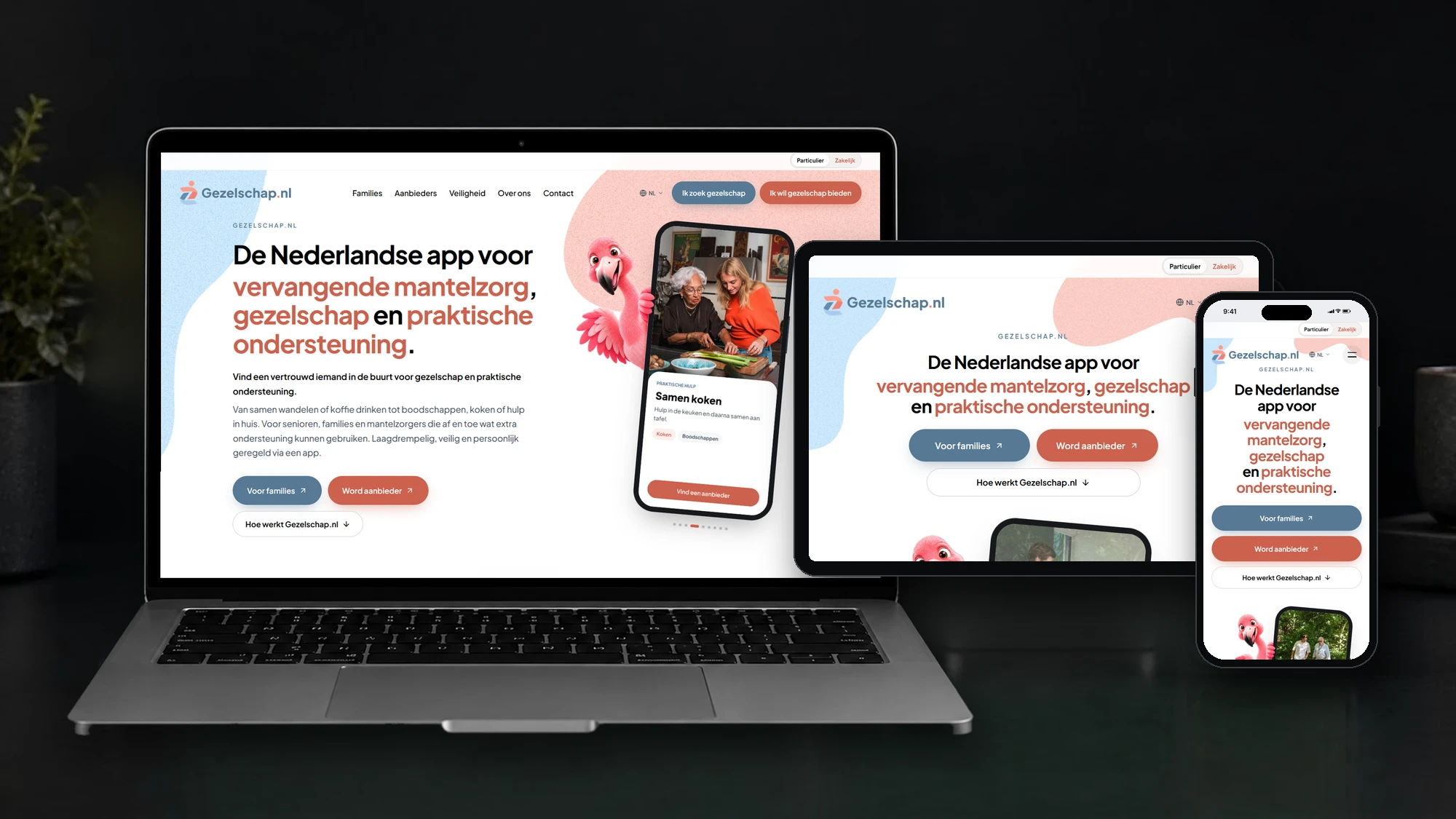
The Gezelschap.nl homepage on a laptop, a tablet and a phone
  1. Problem

    Families, older people and helpers need to understand what the app does, and why they can trust it, before they download it.

  2. My part

    Took over the site and made it live, built a second website for businesses from scratch, made the social media, and keep shaping both with the client.

  3. Key decision

    Show the real app, don’t promise it: steps, real screens, a real person on video.

  4. Result

    Strong early interest from sign-ups, before the app is even out.

The brief

Three audiences. One question each.

The app connects older people with someone nearby for company and practical help. The website is informative: people learn what the app does and why, then download it. The lead designer set up the core. I took it from there.

Until the app is out, the site runs in a pre-launch phase: early sign-ups instead of downloads. At launch it switches, and the download buttons take over.

Families and older people

"Can I trust who comes to the door?"

Answered byA real person on video, real app screens

WhereThe Families section

People who offer company

"What does it take, and how does it work?"

Answered bySteps that end in the app

WhereIk wil gezelschap bieden

Employers

"Why offer this to our staff?"

Answered byA business site of its own

WhereZakelijk, one switch away

Who did what. Concept, content, structure and the mascot: the client and the lead designer. Taking it live, the business site, the social media and the calls below: me. The mobile app: other colleagues.
Taking over

The core was there on day one. I took it over and made it live.

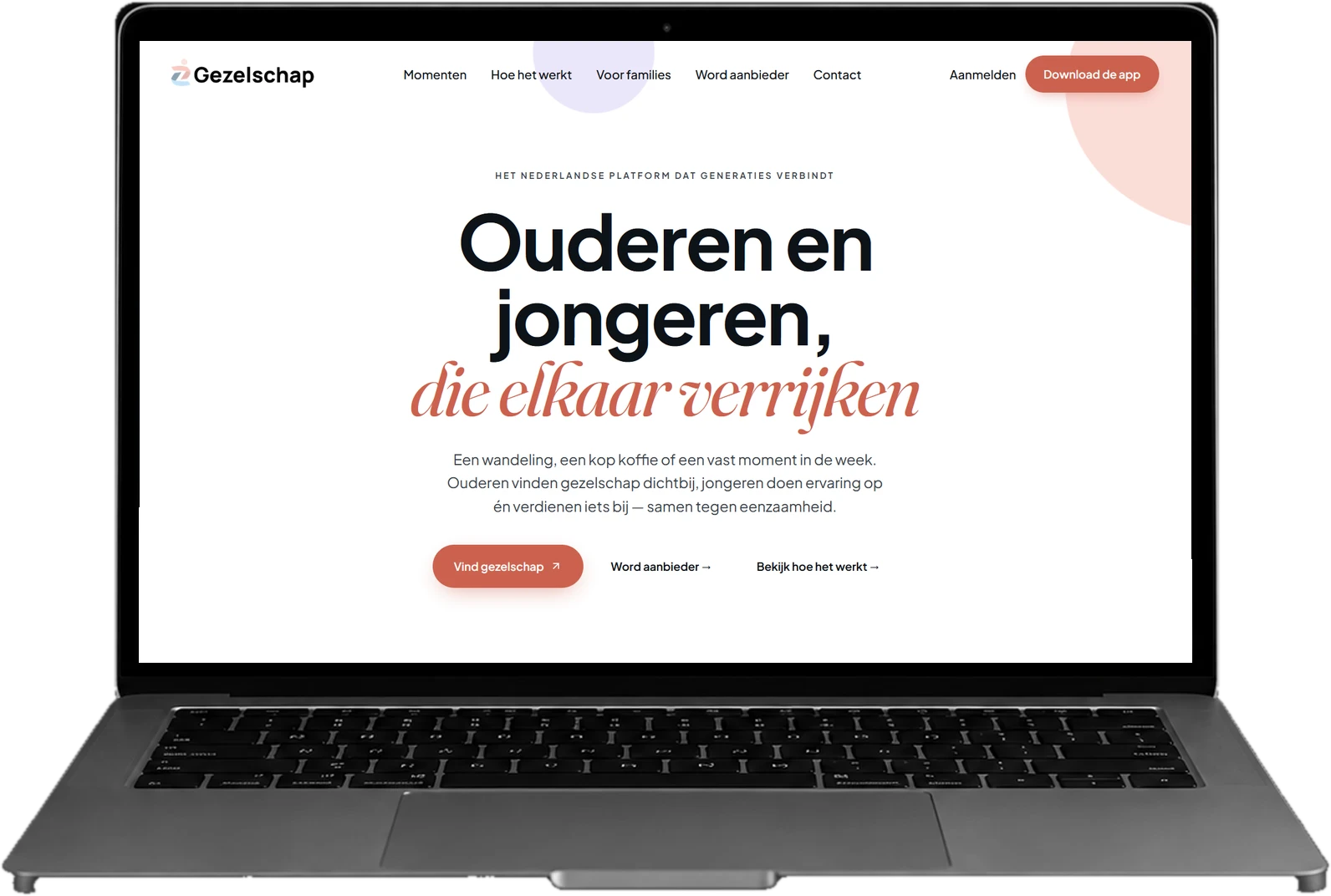
The first version of the homepage on a laptop: Ouderen en jongeren, die elkaar verrijken
BeforeThe first version
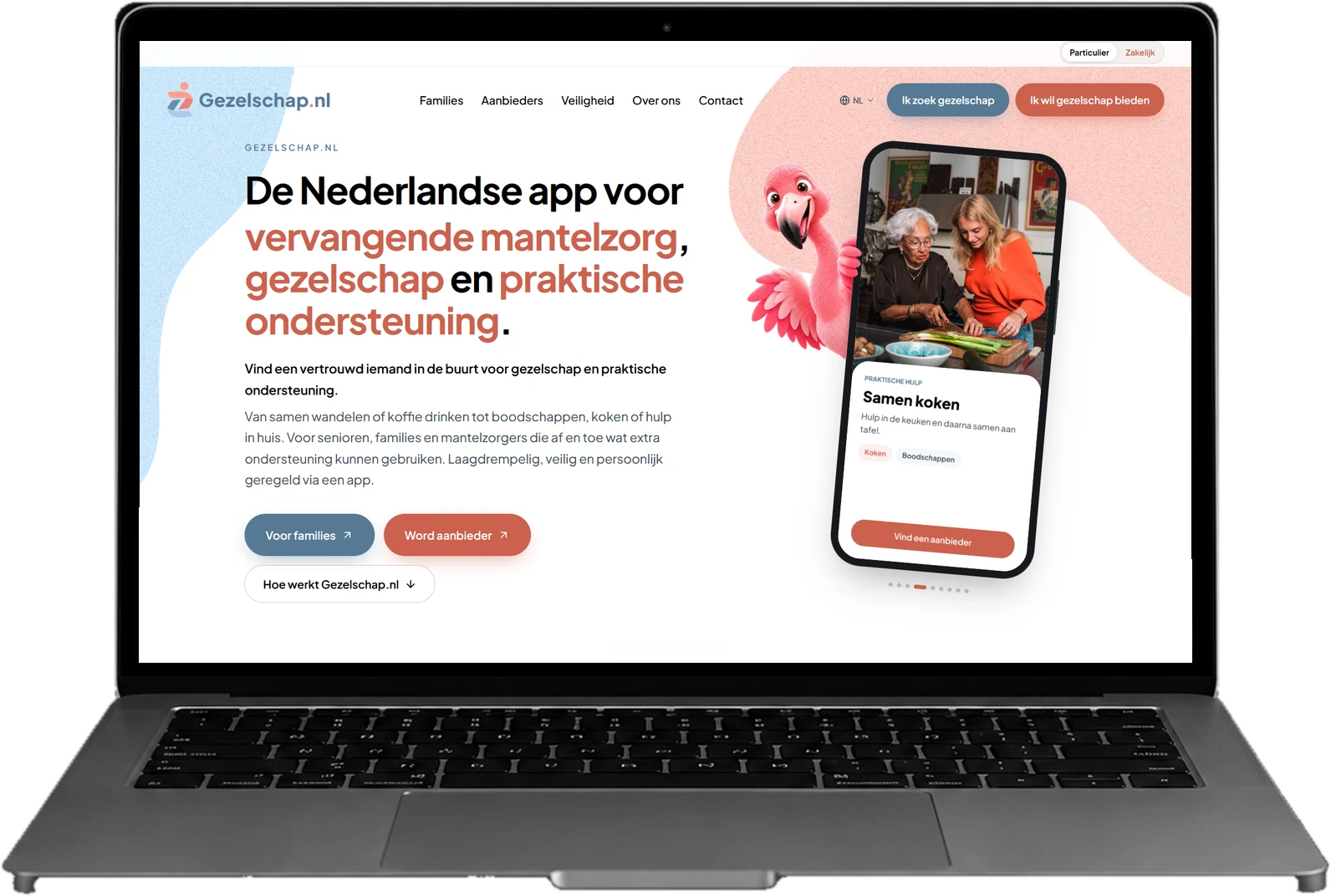
The live Particulier homepage on a laptop
LiveGezelschap.nl today
Calls

Two calls that shaped the site.

Most of the work was small decisions, every day. These two show how I think on a client project.

Aa2.0 : 1Before
Aa3.1 : 1Proposed
Aa3.9 : 1Live
Call 01Colour

Readable for older eyes

White on pastel pink read at about 2 : 1. I proposed a darker coral from the logo. The lead designer took it one step darker, to the terracotta live now.

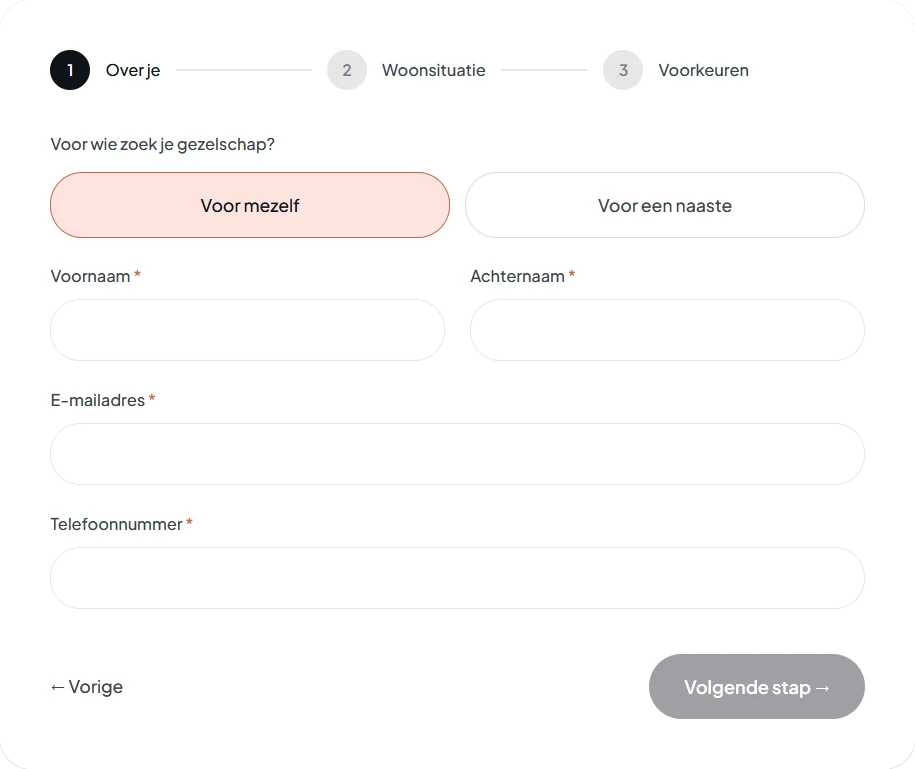
Before: Ik zoek gezelschap ended in a sign-up form
Before · form
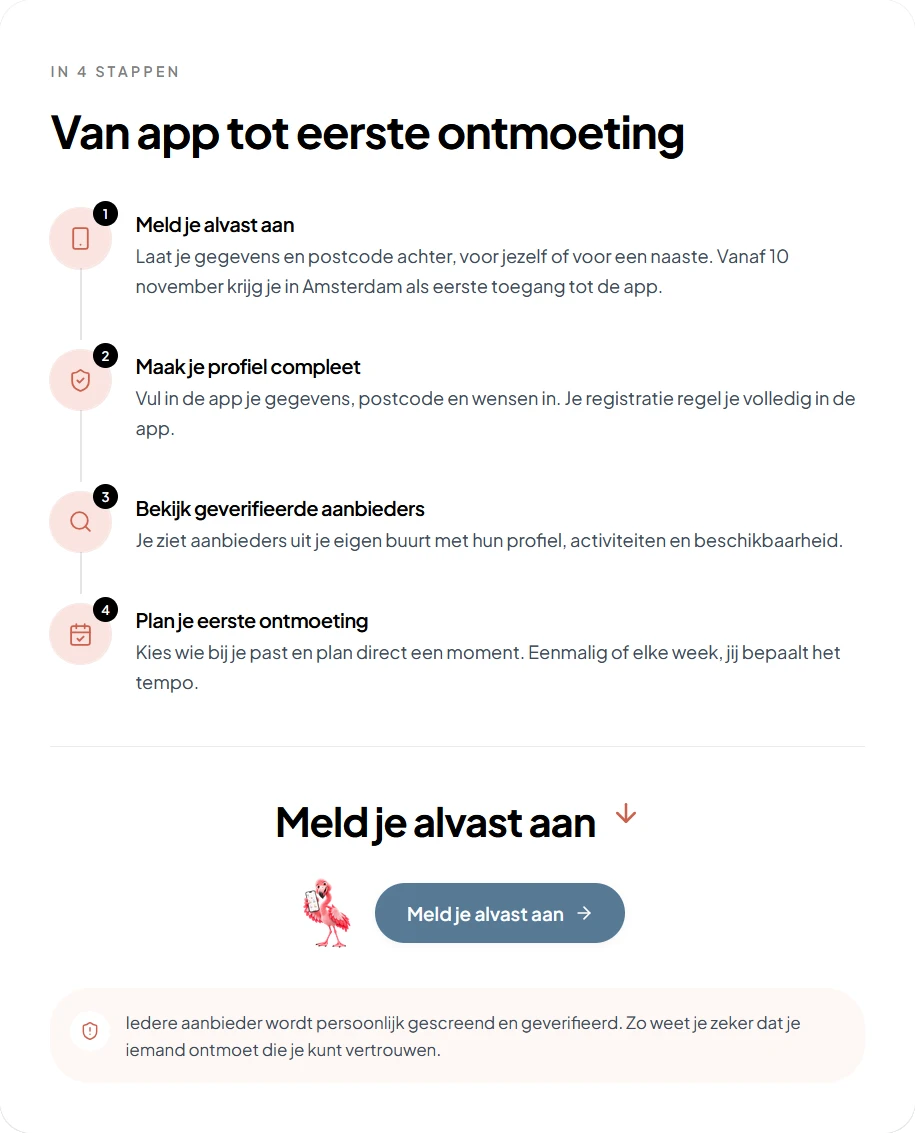
After: the app's steps, ending in a sign-up button
After · steps
Tap to zoom
Call 02The two paths

Steps instead of forms

Sign-up moved into the app, so the forms had to go. I built the app’s steps into each page, so people know what happens before they download.

Outcome

A fast start is easy. Getting it right is my job.

Went well

Live, and growing

Both sites live since October. Sign-ups came in before the app was even out.

Learned

A no comes with a better option

On a client project, part of the job is knowing what to flag, what to propose and what to build as asked.

Next

Test it with older visitors

Testing wasn't part of this project. I'd watch where they hesitate in the steps, and if they understand the app before they download it.

BTS moment

You thought AI always gets it right?

Only a few screenshots were saved. The fixes were many more.

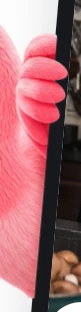
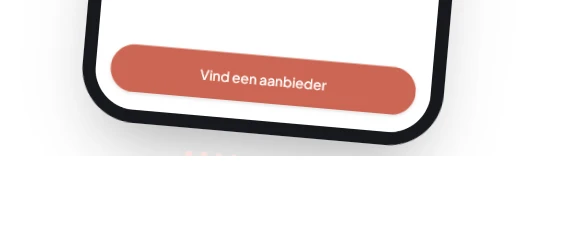
01 The hand, a few pixels off the frame. Shadow cut below
The hand pushed into the phone mockup Close-up: the fingers sit over the phone frame Close-up: another try, the fingers still off the frame The bottom of the tilted phone, its shadow cut off
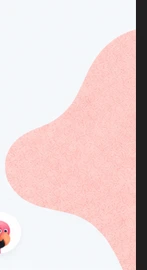
02 Shapes cut at the edge
A background shape cut off at the edge of the screen A half circle cut flat at the screen edge A pink shape cut off at the side
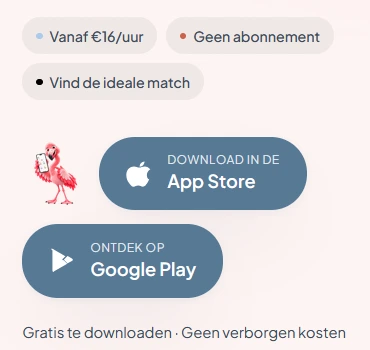
03 One flamingo, placed differently
Try two: the flamingo floating beside the buttons Try three: the flamingo drifting above the buttons
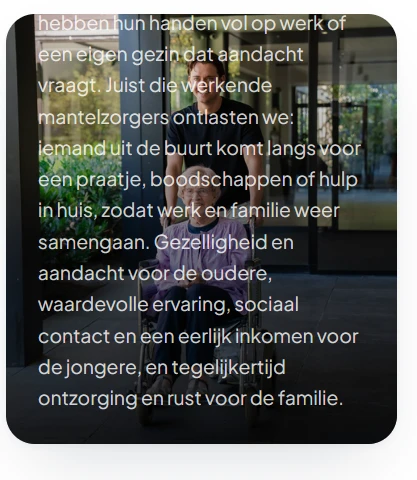
04 Text over the photo Body text running over the photo and off the top of the card